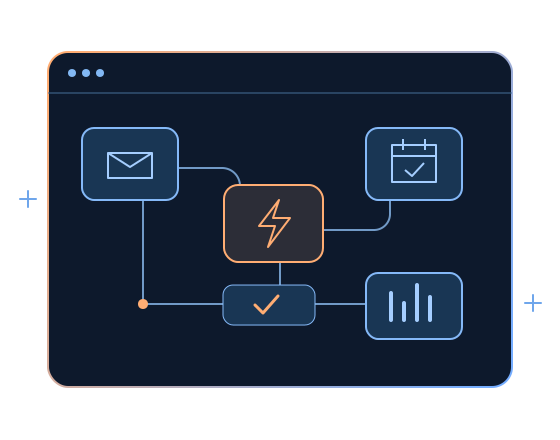
Enquiry Routing
Send new forms and requests to the right person, with clear ownership for the next step.
 Book a Strategy Call
Connect enquiries, reminders and routine updates with workflows your team can manage. We map the task, set up the connections and keep people involved where judgement is needed.
Send new forms and requests to the right person, with clear ownership for the next step.
Set up agreed reminder timings and channels around confirmed bookings and contact preferences.
Share approved directions, preparation notes and contact details at the right stage.
Organise educational email updates for people who have chosen to receive them.
Notify staff about new requests, pending actions and handovers that need attention.
Bring workflow activity and pending tasks into useful summaries without repeated manual checks.
Agree the purpose, information and handover rules before connecting a workflow.
Scope workflows around your business model and the tools you already use.
What to connect, what your team needs and how we approach handover.
Not always. We review your current tools first and agree whether they can support the workflow or whether another connection is needed.
We can scope messaging connections based on your existing tools, account setup and contact preferences. Provider requirements, setup and message costs are confirmed before implementation.
We agree how failures are identified, who receives an alert and how your team can take over. These scenarios are included in the testing plan.
Clinical questions and sensitive decisions are handed to your team. Healthcare workflows focus on useful administrative messages and approved information.
The timeline depends on the systems involved, account access, message approvals and testing. We confirm the scope and schedule after mapping the task.
We agree ownership, access, handover and any ongoing support before launch, so your team knows how to make changes and where to get help.
Tell us what your team repeats and which tools you use. We will help map the next step.